SharePoint vs Sales Enablement Platform: When Sellers Outgrow It
A practical perspective for connecting this idea to your revenue team’s next move.
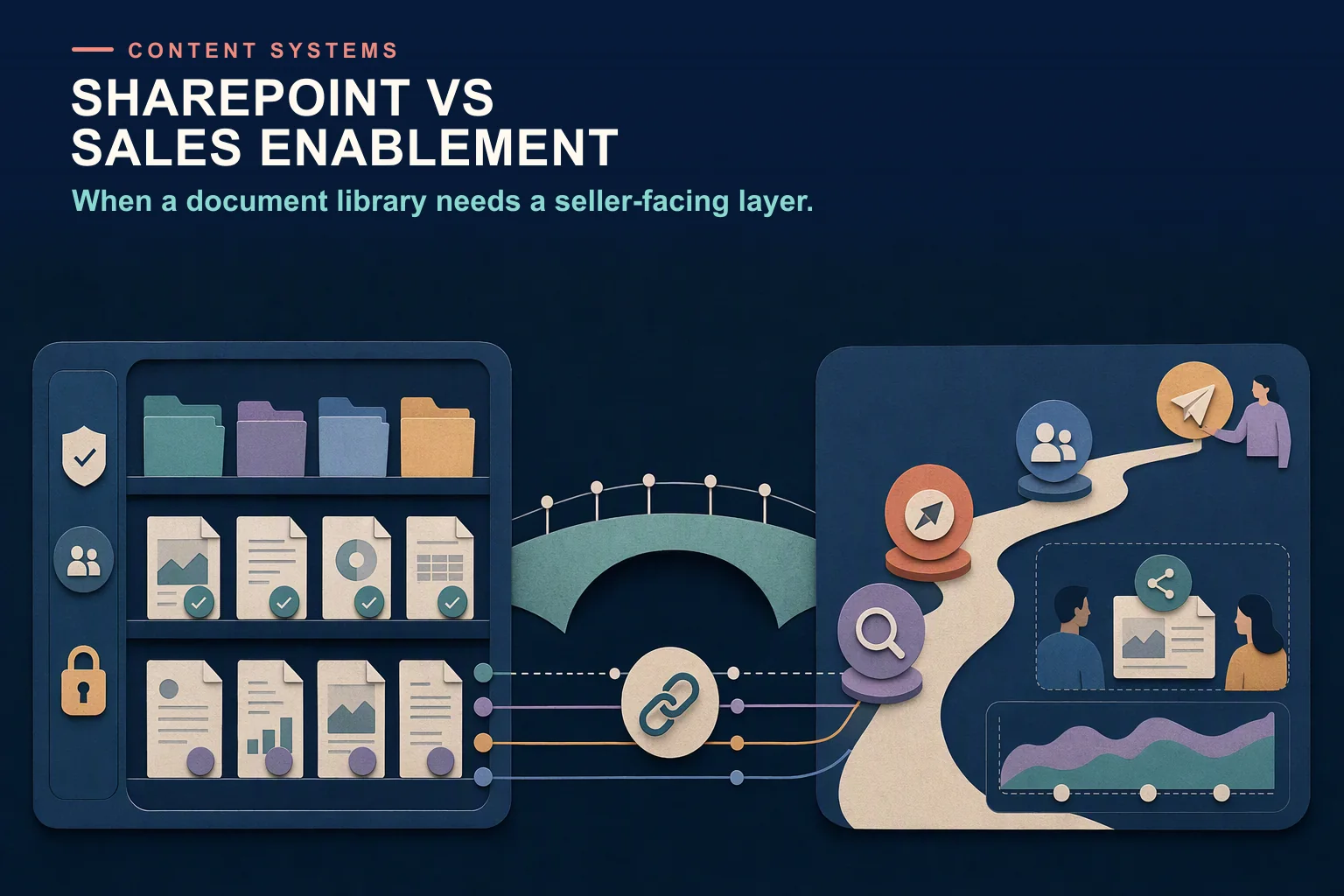
SharePoint vs a sales enablement platform is not either-or for most teams. SharePoint is a strong document system: storage, permissions, versioning and Microsoft 365 co-authoring. A sales enablement platform helps sellers find the approved asset for a deal, share it with buyers and see what gets used. Many teams keep SharePoint as the system of record and add a sales layer.
This guide covers what SharePoint does well, where sellers struggle with it, the signs you have outgrown it for sales content, a side-by-side comparison, and how to put a sales layer on top without migrating everything.
Last updated: 26 October 2026
Can SharePoint be used for sales enablement?
Yes, up to a point. A small sales team with one product, a tidy library and an owner who keeps it current can run on SharePoint for years. It already holds the files, it is already secured, and everyone already has access through Microsoft 365.
The limits show up when the questions change from “where is the file?” to “which file should I use in this deal, is it the approved one, and did the buyer read it?”. Those are selling questions, and SharePoint was designed to answer document questions. Gartner’s market definition for revenue enablement platforms, on Gartner Peer Insights (mandatory features updated November 2025), lists content management alongside buyer engagement analytics, content effectiveness measurement, coaching, guided selling and CRM integration. That bundle is what teams usually mean by “a sales enablement platform”.
What does SharePoint do well?
It is worth being precise here, because SharePoint is often blamed for problems that are really about governance.
Versioning and content approval
Microsoft’s support article on how versioning works (updated 26 August 2026) says Microsoft 365 turns on versioning by default for new libraries and keeps the last 500 versions. Libraries can track major and minor versions, and with content approval switched on, pending drafts are usually visible only to their author and people with Full Control or Design permissions, while everyone else sees the latest approved version. That is a real approval workflow, if someone configures it.
Permissions
SharePoint’s permission model is mature. Microsoft Learn’s page on permission levels describes default levels such as Full Control, Edit and Read, groups such as Owners, Members and Visitors, and inheritance from site to library to file. It also warns that sharing a file with someone who lacks access breaks inheritance on that item, which is how exceptions pile up.
Microsoft 365 integration and external sharing
Files open and co-author in Word, Excel and PowerPoint, and sit inside Teams. For people outside the company, Microsoft’s external sharing overview (last updated 7 May 2026) describes sharing with signed-in guests or through “Anyone” links, with organisation and site settings where the most restrictive one applies.
Basic file insights and Copilot
If an administrator allows it, a SharePoint file card shows the total number of views and viewers and who viewed the file, according to Microsoft’s article on file insights (updated 12 June 2026). And Microsoft says in its Copilot privacy documentation (last updated 18 August 2026) that Microsoft 365 Copilot only surfaces organisational data a user has at least view permission to, so clean permissions help AI search as much as they help people.
Where do sellers struggle with SharePoint?
None of these are bugs. They are the distance between a document system and a selling system.
Findability by selling context
Libraries are usually organised the way content owners think: by team, product or campaign. Sellers search the way deals work: by industry, stage, persona and competitor. SharePoint supports metadata columns, but someone has to design a selling taxonomy, tag every asset and keep doing it. In most companies that job has no owner.
Knowing which version is approved
Version history tracks one file. It cannot see the copy a rep downloaded last quarter, edited and saved to their own OneDrive or a Teams channel, which is now a separate file with its own history. Content approval governs the library it is switched on in, not the copies outside it. Our sales content governance glossary entry covers the policies that stop this.
Usage analytics by asset and deal
File insights answer “how many people viewed this?”. Microsoft’s description does not cover linking that activity to a CRM opportunity, deal stage or outcome, which is what product marketing needs to decide what to update, retire or build next.
Buyer-facing tracking
External sharing settings control who can open a file. Microsoft’s overview does not describe page-level engagement analytics for buyers, such as which slides a buying committee read and for how long. That matters more as buyers self-serve: Gartner’s survey of 632 B2B buyers (published 25 June 2025) found 61% prefer an overall rep-free buying experience, so the content you send has to work without you. The digital sales room entry explains the tool category built for this.
Guided selling
SharePoint does not know a deal’s stage, so it cannot suggest the next asset or play. Microsoft’s seller tool is a different product: a Microsoft Learn training module (updated 21 October 2026) describes Sales Agent in Microsoft Copilot, which connects to Dynamics 365 Sales or Salesforce and brings CRM data into Outlook, Teams and other Microsoft 365 apps for meeting preparation, customer communication and CRM updates. The module does not describe a sales content library.
Signs you have outgrown SharePoint for sales content
If four or more of these are true, the cost of staying is probably higher than it looks:
- Reps ask in Teams or Slack “where is the latest deck for X?” every week.
- Search returns several “final” versions of the same asset, and nobody is sure which is approved.
- Regions or teams keep their own copies of core decks.
- Product marketing cannot say which assets appeared in won deals, or which ones nobody uses.
- Sellers email attachments and have no idea whether the buyer opened them or forwarded them.
- New hires spend their first weeks learning the folder structure rather than the pitch.
- Content owners are afraid to delete anything because they cannot see who still uses it.
- Battlecards and objection handling live in a different place from the decks they refer to.
Before buying anything, run a sales content audit. Half of the problems above shrink once duplicates are removed and every asset has an owner and an expiry date.
SharePoint vs a sales enablement platform: comparison
“Sales enablement platform” covers a range of products; the right-hand column describes what the category typically offers, not any one vendor.
Need
SharePoint
Sales enablement platform
Primary job
Store, secure and co-author documents
Help sellers find, share and learn from approved selling content
Organised by
Sites, libraries, folders and metadata columns
Selling context such as stage, persona, industry and competitor
Approved version
Version history per file; optional content approval per library
One approved asset, often with shared links that update to the current version
Permissions
Mature: levels, groups and inheritance
Own model; some tools describe syncing permissions from SharePoint
Usage analytics
Views and viewers per file, if enabled
Use by seller, asset and deal, often joined to CRM outcomes
Buyer sharing
Guest access and Anyone links
Tracked links or sales rooms with buyer engagement analytics
Guided selling
None built in
Plays and content recommendations by stage or deal
Training and coaching
Not included
Included or available as a module in many platforms
Best for
System of record for all company documents
The seller-facing layer for content that is ready to use with buyers
How to keep SharePoint as the system of record and add a sales layer
You rarely need to migrate. The common pattern is that marketing and product teams keep authoring and storing in SharePoint, and a sales platform connects to one approved library and handles discovery, delivery and analytics for sellers.
- Create one sales-ready library. Only approved, customer-facing content goes in it. Switch on content approval and give every asset an owner and a review date.
- Agree a selling taxonomy. Stage, persona, industry, product and competitor are the usual fields. Keep the list short enough that people will tag consistently.
- Connect the sales layer to that library only. Ask each vendor, in writing: does content sync one way or both ways; how quickly do edits and deletions in SharePoint reach sellers; are SharePoint permissions mirrored or managed separately; and do shared links update when a new version is published? Vendors answer differently. Showpad’s SharePoint integration page describes SharePoint as the single source of truth, with changes, document properties and permissions synchronising into Showpad. Spekit’s SharePoint page says it syncs existing content and de-duplicates it, and does not describe SharePoint permission handling.
- Retire seller-facing copies. Once the sales layer is live, remove decks from personal drives and team channels, and point every “where is it?” question to the one place.
- Review after 90 days. Check which assets sellers used, which they searched for and did not find, and which buyers engaged with, then update the library.
For tools that work this way, see our guide to sales content management software.
Where Revspire fits
Revspire, which publishes this guide, sells a sales enablement platform, so weigh this paragraph accordingly. Its Content Hub syncs in both directions with SharePoint and OneDrive, so teams can keep SharePoint as the system of record while sellers work from a governed sales library. Content Hub adds tag-based and contextual search, version and duplicate management, CRM content recommendations, and content-gap, usage and performance analytics. Revspire’s Content Hub FAQ draws the same line as this guide: SharePoint or a shared drive stores documents, while sales content management software is built to surface the right approved asset for a deal, keep shared links on the current version, recommend content in the CRM and report on how content is used in deals. As with any vendor, ask in the demo how sync handles folders, permissions and deleted files before you buy; you can request a demo to see it.
Frequently asked questions
Can SharePoint be used as a sales enablement tool?
Yes, for storing and securing sales content, especially for small teams with a disciplined content owner. It does not provide selling-context search, deal-level usage analytics, buyer engagement tracking or guided selling, which is why larger teams add a sales enablement platform on top.
What are the best SharePoint alternatives for sales teams?
For sales content, the realistic alternatives are sales content management and sales enablement platforms, and digital sales rooms for buyer-facing sharing. Many describe connecting to SharePoint rather than replacing it, so “alternative” usually means “a layer for sellers” while SharePoint stays the company’s document store.
How is sales content management different from SharePoint?
SharePoint manages documents for the whole company: storage, permissions, versions and collaboration. Sales content management organises approved assets by selling context, keeps sellers on the current version, recommends content in the CRM and reports on how content is used with buyers and in deals.
Do we have to move our content out of SharePoint?
Usually not. Several enablement platforms, including Showpad and Spekit, describe SharePoint connections, so authors can keep working where they are. Confirm sync direction, update speed and permission handling with each vendor, because they differ.
Does SharePoint show who opened a shared file?
With the feature allowed by an administrator, the file card shows views, viewers and their names to people who have access to the file. Microsoft’s documentation does not describe page-level engagement analytics for external buyers, which is what sales teams usually want from a tracked link or sales room.
Sources
- How versioning works in lists and libraries, Microsoft Support, updated 26 August 2026, accessed 26 October 2026.
- Understanding permission levels in SharePoint, Microsoft Learn, 30 April 2025 (metadata updated 1 July 2026), accessed 26 October 2026.
- External sharing overview, Microsoft Learn, last updated 7 May 2026, accessed 26 October 2026.
- See file insights before you open a file, Microsoft Support, updated 12 June 2026, accessed 26 October 2026.
- Data, Privacy, and Security for Microsoft Copilot for Microsoft 365, Microsoft Learn, last updated 18 August 2026, accessed 26 October 2026.
- Microsoft Learn training module on Sales Agent in Microsoft Copilot, Microsoft Learn, updated 21 October 2026, accessed 26 October 2026.
- Revenue Enablement Platforms market definition, Gartner Peer Insights, mandatory features updated November 2025, accessed 26 October 2026.
- Gartner Sales Survey Finds 61% of B2B Buyers Prefer a Rep-Free Buying Experience, Gartner, 25 June 2025, accessed 26 October 2026.
- Microsoft SharePoint integration, Showpad EcoSystem, undated, accessed 26 October 2026.
- SharePoint integration, Spekit, undated, accessed 26 October 2026.