Sales Content Management: A Practical Guide for Revenue Teams
A practical perspective for connecting this idea to your revenue team’s next move.
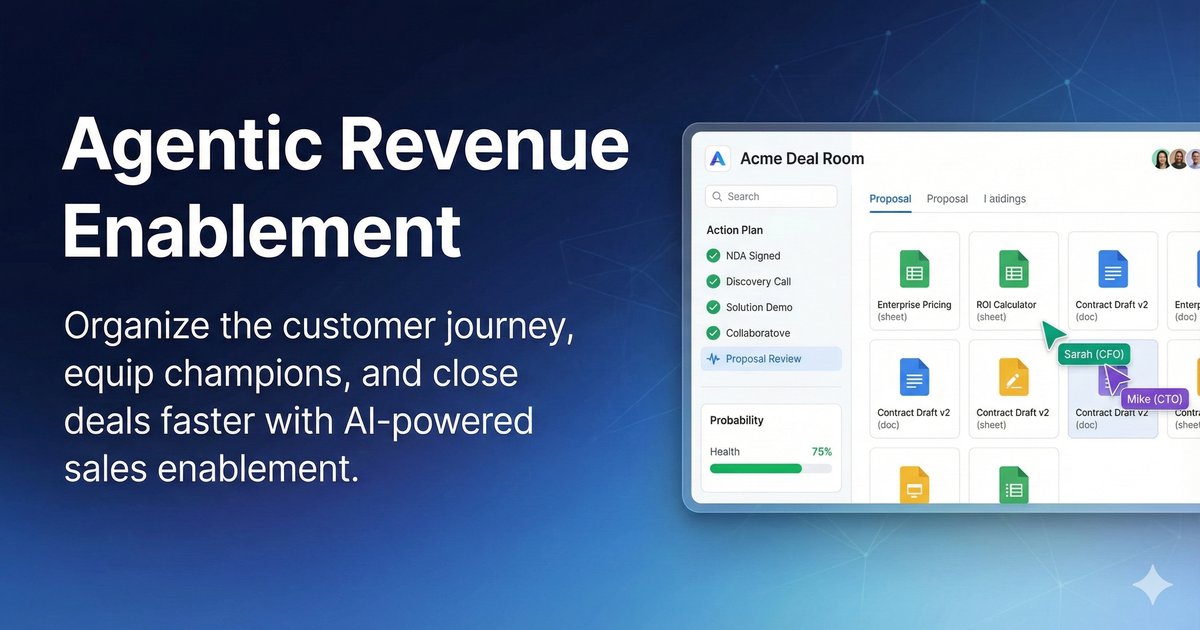
Sales content management is the practice and the software for storing, organising, finding, updating and measuring the assets sellers use with buyers. It differs from a website CMS or a shared drive in one decisive way: it is organised around selling situations rather than folders, and it reports how each asset was used in real deals.
This guide covers what the practice has to do, how to structure a library so sellers can actually find things, how governance and ownership work, what to measure, how to choose a system, and a 60-day rollout. If you only want the short definition, our sales content management glossary entry has it in two sentences.
What sales content management is, and what it is not
Most teams already have somewhere to put files. What they lack is a single, trustworthy answer to a question sellers ask several times a week: which version of this is approved right now, for this buyer, at this stage?
That is the gap sales content management fills. It is worth separating it from three things it gets confused with.
A website CMS publishes pages to the public. Its unit of work is a page and its audience is anonymous. Sales content management’s unit of work is an asset used in a conversation, and its audience is a named buyer at a known stage.
A digital asset management system stores brand and creative files for marketing teams, with approval workflows aimed at brand consistency. It is usually the system of record for the master file. Sales content management sits closer to the deal: it surfaces the seller-ready version, controls which copies circulate, and connects usage back to opportunities. Plenty of companies run both, with the DAM upstream.
A shared drive stores files well and does almost nothing else. It rarely knows which version is approved, what a seller should use at a given stage, or whether an asset played any part in a deal. If those three things genuinely do not matter to your team, a shared drive is the right answer and you should not buy anything.
The four jobs a sales content system has to do
Feature lists for this category run long. In practice a system earns its place by doing four things well, and most failures trace back to one of them being weak.
Find. A seller with a call in ten minutes needs the right asset in two or three interactions, searching the way they think: by industry, persona, stage, objection or competitor, not by filename. Search that only matches titles pushes sellers back to asking in Slack, which is where shadow libraries start.
Govern. One approved version, an owner, a review date, and retirement that actually removes things from circulation. The hard part is not approval; it is retirement. Libraries degrade because nothing is ever taken out.
Deliver. Getting the asset in front of the buyer in a form that stays current. A link that updates when the asset is updated is worth considerably more than an attachment, because it fixes the stalest problem in sales content: the deck that went out three weeks ago and is now wrong.
Measure. What sellers used, what buyers opened, what appeared in deals that closed, and what nobody could find. The last of those is the most useful and the most often missing.
How to structure the library so sellers can find things
The instinct is to mirror the marketing team’s structure, because that is who produces the content. It does not work, because sellers do not search by content type. They search by the situation they are in.
A workable structure tags every asset against a small number of axes, and keeps the list short enough that tagging actually happens:
- Stage — discovery, evaluation, business case, procurement, onboarding. This is the single most useful axis, because it maps to what the seller is trying to do next.
- Buyer role — the economic buyer, the technical evaluator, the end user, procurement. The same proof point needs different framing for each.
- Industry or segment — only where your content genuinely differs. Inventing industry variants that do not exist makes search worse, not better.
- Objection or competitor — the axis sellers reach for under pressure, and the one most often missing.
- Internal or buyer-facing — a hard flag, not a convention. The cost of getting this wrong once is high.
Two rules keep a taxonomy usable. Keep the number of required tags small, because every extra required field is a reason for someone to skip the upload and email the file instead. And resist nesting: deep folder trees push the work of finding onto the person with the least time.
Governance: versioning, approval and retirement
Governance is what separates a managed library from a tidy folder, and it comes down to four mechanics.
One canonical version. When the same deck exists in three places with three edit dates, every seller decides for themselves which to send, and the buyer sees the result. Canonical means one record, with previous versions kept for reference rather than circulating.
Links that update. If a seller shared a link last month and the asset has since changed, the link should open the current version. This is the mechanic that quietly prevents most outdated-content incidents, and it is worth checking carefully in any evaluation.
Named owners and review dates. Every content family gets a person and a date. Not a committee. The practical test of whether governance exists is simple: when an asset goes stale, who is accountable? If the answer is nobody, the library will degrade whichever system it lives in.
Retirement with teeth. Archiving should remove an asset from search and from any surface sellers browse, while keeping it auditable. A standing rule works better than a periodic audit: anything not used in 90 days is reviewed or archived, and anything a seller searched for and could not find becomes a content request. A quarterly sweep is then a short exercise rather than a project.
Who owns sales content management
The work usually sits with enablement, with product marketing owning the content itself and the messaging behind it. Where companies get into trouble is leaving ownership implicit, so here is a division that tends to hold up:
- Enablement owns the system, the taxonomy, adoption and the usage reporting. It is accountable for sellers being able to find things.
- Product marketing owns the content and its accuracy, including review dates and retirement decisions for its own families.
- Sales management owns adoption in the field, which mostly means not tolerating shadow libraries and not rewarding the rep who rebuilds the deck from scratch every time.
- Revenue operations owns the connection to the CRM, so usage can be read against opportunities rather than as standalone engagement data.
One thing worth deciding explicitly: what happens to content sellers create themselves. Treating it as a problem to stamp out pushes it into personal drives where nobody can see it. The workable response is a fast path to review it and promote what works, because rep-made content is a signal about where the approved library fell short.
What to measure
Most reporting in this category measures activity, which is easy, rather than usefulness, which is not. A short list that changes decisions:
- Search success — the share of searches that end with an asset being used, rather than abandoned. The clearest single measure of whether find works.
- Searches that return nothing useful — your content roadmap, ranked by frequency and by the size of the deals involved.
- Share of the library used in 90 days — the honest measure of how much of what you produce is shelfware.
- Assets with a named owner and a current review date — whether governance is real or aspirational.
- Time from content request to approved asset — whether the system can keep up with the field.
- Content usage in won deals compared with lost deals — association, not causation, and worth stating that way to anyone who asks.
If you want to put a number on the cost of the current situation before you build a business case, our unused content cost calculator does that arithmetic in the browser.
What AI actually changes here
Most of the AI claims in this category describe one of four things, and they are worth separating because they carry different risk.
Search by meaning. The clearest win. A seller can ask for what they need in their own words, badly phrased, and get the right asset without knowing its title or where it lives. This is the capability most likely to lift adoption, because it removes the step sellers skip.
Automatic tagging. Useful, and the thing that makes a taxonomy survive contact with reality, because the main reason tagging fails is that it is manual work for the person uploading. Treat suggested tags as a draft a human confirms, particularly for the internal-or-buyer-facing flag, where the cost of one wrong call is high.
Recommendation in the flow of a deal. Surfacing assets based on stage, persona and what happened in similar deals. Genuinely helpful, and worth checking what it keys off: a recommendation driven only by what is popular tends to entrench whatever is already being sent.
Drafting and adaptation. Generating a tailored version of an approved asset for a specific buyer. This is where governance matters most. The useful question for any vendor is not whether it can draft, but what happens next: does the output go into the approved library, does it stay with the deal, and who signs it off. An AI that can quietly create buyer-facing content outside the approval path undoes the thing you bought the system for.
None of it removes the need for owners and review dates. It changes who does the typing, not who is accountable.
How to choose a sales content management system
Feature matrices in this category converge, because every vendor has learned to answer the same checklist. The differences that actually show up in year two are narrower:
- Does search work on meaning, or on filenames? Test it with a question a seller would really ask, phrased badly, with a typo.
- Does a link already sent to a buyer stay current? Ask for a demonstration rather than a yes.
- Do permissions match how you sell? Region, partner, segment and stage, including whether partners and non-revenue viewers need paid seats.
- Does usage data reach the CRM? Engagement dashboards that live only in the content tool rarely survive contact with a pipeline review.
- What does migrating the library you already have cost? In money and in weeks of someone’s attention. This is the most commonly underestimated line.
- What happens at renewal? Seat growth, price caps and notice periods.
For what this category actually costs, our sales enablement software pricing guide compares 18 vendors with dated third-party figures, and the best sales content management software comparison covers the tools themselves.
A 60-day rollout that does not stall
The most common rollout failure is migrating everything first. It takes months, it moves the existing mess into a better tool, and it burns the goodwill you need for adoption.
Days 1 to 15: audit and decide what not to move. Inventory what exists, what was used in the last 90 days and who owns it. Most libraries can leave a large share behind. Our sales content audit template has the structure for this.
Days 16 to 30: structure and seed. Agree the taxonomy, then load only the assets used in the last 90 days, tagged properly. A small, correct library beats a complete, untagged one.
Days 31 to 45: one team, real deals. Pick one segment, make it the only place they get content, and watch what they search for and fail to find. That list is more valuable than any feature request.
Days 46 to 60: governance and reporting. Assign owners and review dates, turn on the retirement rule, and get usage into the CRM before you widen the rollout. Going broad without governance is how you arrive back where you started with a larger bill.
Where this usually goes wrong
Four failure modes account for most of it: migrating everything, a taxonomy with too many required fields, no retirement rule, and usage data that never reaches the CRM. We have written these up in more detail in the biggest sales content management mistakes.
Frequently asked questions
What is the difference between sales content management and a CMS? A website CMS publishes pages to the public and is organised around pages. Sales content management organises assets by selling context, controls which version circulates, and reports how assets were used with buyers.
Is sales content management the same as a DAM? No. A DAM is usually the system of record for master brand and creative files. Sales content management sits closer to the deal, surfacing the seller-ready version and tying usage to opportunities. Many companies run both, with the DAM upstream.
Can we do this with SharePoint or Google Drive? You can store files. What those tools rarely give you is a single approved version, guidance on what to use at a given stage, links that stay current after an update, or any view of whether an asset appeared in a deal. If you do not need those, the cheaper option is the right one.
Who should own sales content management? Usually enablement, with product marketing owning content accuracy. The reporting line matters less than having a named owner and a review date per content family, and someone accountable for removing assets rather than only adding them.
How often should the library be audited? A standing rule beats a periodic audit: anything unused for 90 days is reviewed or archived, and any failed search becomes a content request. The quarterly review then takes an afternoon.
How long does implementation take? A focused rollout with one team on real deals is achievable inside 60 days. Full migration of a large legacy library takes considerably longer, which is the argument for not attempting it first.