Revspire blog
Sales Tool Integration: APIs, Data Mapping, and Monitoring
Plan sales tool integrations across connectors and APIs, field mapping, sync direction, identity, deduplication, permissions, error handling, and monitoring.
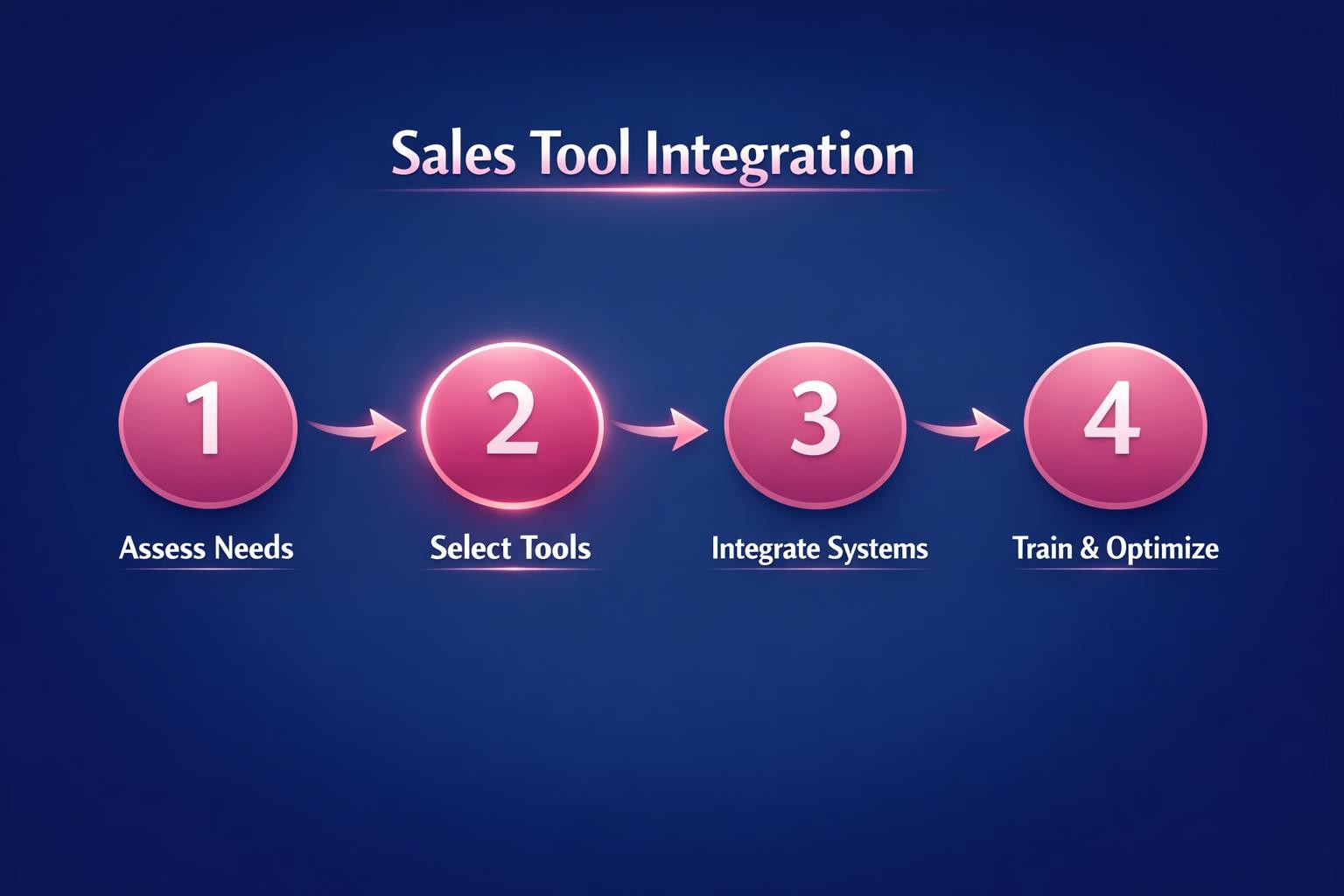
Sales tool integration connects a defined revenue workflow across systems while preserving reliable records, appropriate access, and visible failures. A connection is not complete merely because two products authenticate. The operating design must specify what moves, in which direction, how records match, which system wins a conflict, who can access the integration, and how the team detects and resolves errors.
Begin with the sales process and the decisions people need to make. Then choose the connector or API pattern, map the data, test identity and conflict rules, restrict access, and establish monitoring. This keeps technology subordinate to the workflow it supports.
Start with the operating model
Put one leader in charge of outcomes
Give a leadership owner accountability for integration outcomes rather than only implementation tasks. That owner defines goals and measures, resolves ownership questions, and keeps the workflow current. Standing reviews and quarterly improvement goals prevent the integration from drifting after launch.
Document the process the tools must support
For each relevant stage, state what action should happen, which evidence is required, and who is accountable. Add milestones, criteria, and shared language. Embed the process in the workflow and reinforce it through managers so integration requirements follow an agreed operating model.
Define the integration contract
For every connected object, record the participating systems, business owner, technical owner, trigger, sync frequency, direction, mapped fields, identity key, conflict rule, access scope, failure destination, and service expectation. This contract gives implementation and revenue teams one reviewable definition of the connection.
Choose connectors and APIs deliberately
Use a native connector when its behavior fits
A supported connector can reduce custom implementation work, but confirm that it covers the required objects, fields, directions, filters, associations, conflict behavior, frequency, and error visibility. Do not infer those capabilities from the word “integration”; verify them against the documented workflow and a representative test set.
Use an API or middleware when the workflow requires control
A custom API or integration platform may be appropriate when transformations, orchestration, uncommon objects, or special timing are required. Define the same contract before building it. The implementation choice does not remove the need for field mapping, identity rules, permissions, or monitoring.
Separate real-time needs from scheduled work
Identify which changes must be visible immediately and which can move on a schedule. HubSpot’s data-sync documentation illustrates both incremental synchronization and webhook-triggered change detection. Choose timing from the business decision that depends on the data, then document the expected delay.
Specify field mapping and sync direction
Create a field-level mapping table
For every field, record its business meaning, type, allowed values, format, source system, destination field, transformation, null behavior, and whether it is required. Test picklists, dates, currencies, owners, and lifecycle or stage values explicitly. A field with the same label in two tools may still have different semantics. HubSpot’s field-mapping documentation shows that mappings control which data moves, in which direction, how types correspond, and how conflicts are handled.
Choose one-way or two-way behavior
State whether each object and field moves from system A to B, from B to A, or both ways. HubSpot’s documentation requires administrators to choose sync direction and map third-party fields to properties. For two-way synchronization, define which system wins when values differ and what happens when one side is blank.
Protect the system of authority
Assign one authoritative system for each critical value, such as account identity, opportunity stage, contract amount, or renewal status. Other systems may consume or enrich that value, but the conflict rule should prevent an older copy from silently overwriting the authoritative record.
Define identity, duplicate, and conflict rules
Choose a stable match key
Document how contacts, companies, opportunities, and other objects match across systems. Prefer a stable external identifier where one exists; if the connector uses email or another business field, record its limitations. Define what happens when the key is absent, changes, or matches more than one record. HubSpot’s record-matching guidance documents configurable identifiers and the duplicate risk when records do not match as expected.
Decide how duplicates are handled
Test an existing match, a new record, a missing key, and a duplicate before rollout. HubSpot’s data-sync documentation explains that record matching can cause one returned record to synchronize while another is treated as a duplicate. The integration contract should state whether duplicates are blocked, queued for review, or resolved under an approved rule.
Make conflict resolution explicit
For every two-way field, specify the winning system or another deterministic rule. Log the losing value and timestamp where the platform permits it. Avoid “last update wins” unless both teams understand and approve the consequence.
Control permissions and credentials
Apply least privilege
The NIST glossary defines least privilege as restricting user or process access to the minimum necessary for assigned tasks. Give the integration identity only the object, field, and operation access required by the contract. Separate administrative setup access from the runtime identity where the platform allows it.
Record ownership and review access
Document who owns the connected account, who can rotate or revoke credentials, and who reviews permissions. Recheck access when fields, objects, vendors, or responsible teams change. HubSpot’s setup guidance explicitly requires review of requested app permissions before authorization.
Limit sensitive data movement
Map only the fields the receiving workflow needs. If a sensitive field has no documented use in the destination, exclude it. Keep testing data controlled and avoid copying production records into an unapproved environment.
Design error handling and monitoring before launch
Make failures visible
Capture the object and record identifier, direction, operation, timestamp, error reason, and retry or review status for each failed synchronization. HubSpot’s data-sync guidance exposes sync errors and lets an administrator inspect the reason for a record failure. Assign an owner and response path so the error view is actively used.
Monitor freshness and completeness
Track the most recent successful run, expected versus processed records, failed and excluded records, and the age of the oldest unresolved error. Compare representative records in both systems after field or workflow changes. A successful authentication check does not prove that the correct records and values moved.
Test recovery
Before release, test a rejected value, missing permission, duplicate identity, unavailable endpoint, and replay after correction. Confirm that recovery does not create a second record or overwrite the system of authority. Record the result with the integration contract.
Operate and improve the connected workflow
Use recent deal evidence
Review the last six months of deal data, map opportunities against the operating stages, and identify where information or actions break down. Compare the evidence with the narrative used in meetings. Select two or three integration improvements with a named owner, measurable goal, and 90-day review.
Inspect the workflow weekly
Use a standing review to decide what must change during the next seven days. Review live opportunities, identify where the connected workflow fails to surface the expected evidence or action, and work through the correction. For relevant product context, explore the Revspire Revenue Platform.
Feed outcomes into the next revision
Use post-deal interviews, CRM analysis, structured win-loss reviews, and buyer feedback to update the process and integration contract. Review measures against targets each quarter. Keep the change only when the evidence supports it, and update training and workflow guidance at the same time.
Request a Revspire demo to explore how connected sales evidence can support an integrated revenue workflow.