Best Sales Portal Software in 2026: Buyer, Customer and Partner Portals
A practical perspective for connecting this idea to your revenue team’s next move.
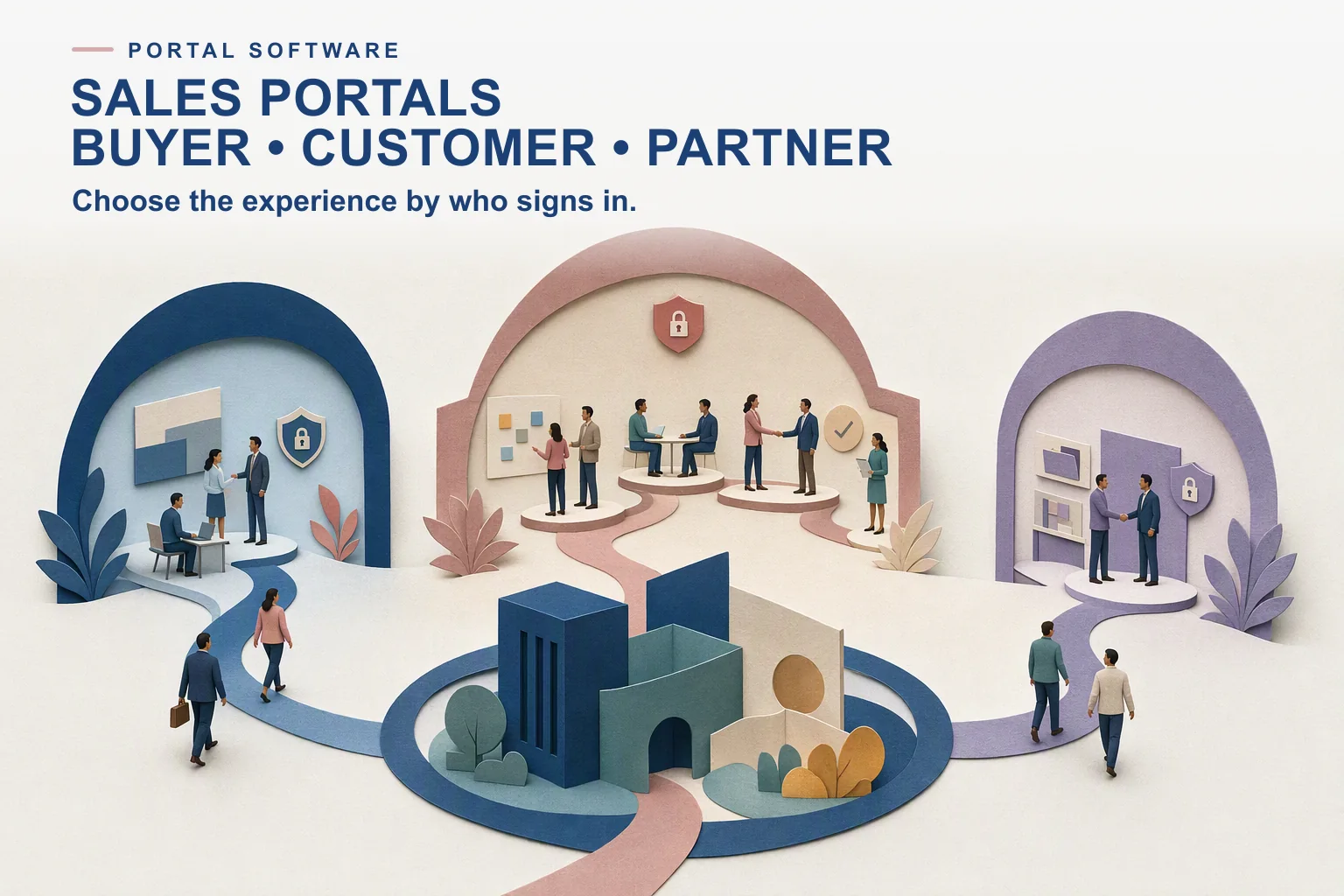
The best sales portal software depends on who logs in. For a buyer evaluating one deal, use a deal room such as Aligned, GetAccept, Highspot or Seismic. For a customer account from kickoff to renewal, Dock or Trumpet. For resellers who register deals and need training, a partner portal such as Salesforce PRM or Revspire Partner Portal.
A sales portal is a branded, secure web space where a buyer, customer account or partner finds the content, plans and contacts for an ongoing relationship. Vendors use “buyer portal”, “client portal”, “deal room” and “partner portal” loosely, so this guide groups eight tools by the person the portal serves, with each vendor’s published pricing, one limitation and when to choose it.
Last updated: 27 October 2026
Disclosure: Revspire publishes this list. Revspire appears once, in the partner portal group, and is not ranked above other tools. Tools are grouped by portal type and listed alphabetically within each group. Every price and feature below was checked on the vendor’s own website on 27 October 2026.
Sales portal software compared: summary table
Tool
Portal type
External users
Published pricing (checked 27 Oct 2026)
Aligned
Buyer deal room
Buyers never cost a seat; no buyer login
Free; Basic $29, Pro $49 per seat a month (annual)
GetAccept
Buyer deal room with e-signature
Not stated on pricing page
eSign $25; Professional $49 per user a month (minimum 5 users, annual)
Highspot
Deal rooms inside an enablement suite
Not stated on pricing page
Not published (Good, Better, Best)
Seismic
Deal rooms inside an enablement suite
Buyers need no Seismic account
Not published
Dock
Customer and onboarding portal
External collaborators free
Free; Standard $350 a month (5 users); Premium $1,000 a month billed annually (10 users)
Trumpet
Rooms for sales, onboarding and success
Not stated on pricing page
Free; Pro $45, Scale $100, Elite $160 per user a month
Salesforce PRM
Partner portal and PRM
Priced per member
$25 per member a month, billed annually; Partner Ecosystem Management $50
Revspire
Partner portal, plus per-deal rooms
Not priced per user
Per module, unlimited user licenses; about $25,000 USD a year on average
USD list prices from each vendor’s site, 27 October 2026. “Not published” means the vendor asks you to contact sales. Highspot also extends its rooms to partners; see its entry.
Buyer portal, customer portal or partner portal: which do you need?
The three kinds of portal look similar on a demo but solve different problems. Pick the type first, then the vendor.
- Buyer portal for one deal. A digital sales room holds the content, mutual action plan and stakeholders for a single opportunity. It is created when the deal opens and archived when it closes. Most “buyer portal software” is this.
- Customer or account portal. A longer-lived space for an account across onboarding, adoption, expansion and renewal. It holds agreements, training, project plans and contacts, and may link to a new deal room for each expansion.
- Partner portal. A destination for resellers and referral partners. Beyond content, it usually handles partner onboarding, certification and, in partner relationship management (PRM) systems, deal registration, lead routing and marketing funds.
A quick test: if the people logging in work for a company that is buying from you, you need a buyer or customer portal. If they sell your product to someone else, you need a partner portal. Many teams need both, and few tools cover both well.
Buyer portals built around a single deal
These tools give each opportunity its own branded room. Our digital sales room software guide compares more of them.
Aligned
- What it does: one link per deal with content, tasks, timelines and next steps, and no buyer login; mutual action plans and a stakeholder map on every plan; Pro adds AI Client Assist, AI Content Generator and AI Deal Builder (Aligned pricing). Its homepage also describes an AI buyer assistant that answers questions from the seller’s shared content and carrying deal context into onboarding (Aligned).
- Pricing: Starter free, with up to 4 active rooms per seat; Basic $35 a seat a month or $29 billed annually; Pro $60 or $49; Enterprise custom. The page says buyers “never cost a seat” (checked 27 October 2026). See our Aligned pricing guide.
- Limitation: full two-way Salesforce and HubSpot sync is listed only on Enterprise; lower tiers show “Limited”.
- Choose it when: you want a room in every deal at a low per-seat price and buyers should get in without creating an account.
GetAccept
- What it does: an “AI-Powered Digital Sales Rooms & Proposal Software” platform covering the path “from opportunity to signed deal”, with mutual action plans, real-time buyer insights, e-signature and CPQ (GetAccept).
- Pricing: eSign $25 per user a month; Professional $49 per user a month, minimum 5 users, paid annually, which the page describes as the full AI digital sales room experience; Enterprise on request. All plans use a 12-month agreement (GetAccept pricing, checked 27 October 2026).
- Limitation: mutual action plans are not in the eSign plan, and CPQ is an add-on on Professional.
- Choose it when: the room and the signature should live in one tool, and the deal ends in a quote and a contract.
Highspot
- What it does: a sales enablement platform with Digital Sales Rooms on all three packages, next to content governance, AI search and sales plays. A partner section extends “content, plays, and digital sales rooms to your partner network” (Highspot pricing).
- Pricing: not published; Good, Better and Best packages route to contact sales (checked 27 October 2026).
- Limitation: the pricing page gives no detail on what the rooms include, so ask for a demo of mutual action plans and buyer analytics specifically.
- Choose it when: you already use or want Highspot for content and training, and rooms are one part of a wider rollout.
Seismic
- What it does: Digital Sales Rooms where buyers “don’t need a Seismic account to view content”, with password protection, real-time alerts on what buyers engage with, a drag-and-drop design tool and recorded video intros (Seismic Digital Sales Rooms).
- Pricing: not published; the page offers a demo (checked 27 October 2026).
- Limitation: the Digital Sales Rooms page does not mention mutual action plans or name CRM integrations.
- Choose it when: marketing needs to control branding and messaging in rooms at scale, and you already run Seismic for content.
Customer portals that run from kickoff to renewal
These tools are often bought by customer success as well as sales, because the same space carries on after the contract is signed.
Dock
- What it does: Dock calls itself an AI revenue enablement platform that creates buyer workspaces (Dock). Its client portal gives “every customer a branded workspace from kickoff to renewal”, with access controls, project plans, surveys, files, live embeds and engagement data on who visits (Dock client portal). The onboarding use case turns the sales handoff into “one shared onboarding portal” with milestones, owners and due dates (Dock customer onboarding).
- Pricing: Free (10 workspaces, no Salesforce or HubSpot); Standard $350 a month with 5 users; Premium $1,000 a month billed annually with 10 users; extra seats $50 a month; Enterprise custom. The page says “Dock only charges for internal team members” (Dock pricing, checked 27 October 2026). See our Dock pricing guide.
- Limitation: the pricing page does not show which plans include portal features, and it lists custom domains on Enterprise while the client portal page mentions custom domains without a plan.
- Choose it when: sales and customer success want one workspace per account that carries on through onboarding.
Trumpet
- What it does: describes itself as “the AI buyer-facing execution layer for revenue teams”, with shared spaces called Pods, mutual action plans, video and voice notes, an AI engagement score and AI org charts; its homepage cites customers using Pods for onboarding and success plans (Trumpet).
- Pricing: Free (10 Pods); Pro $45 a user a month or $450 a year, up to 5 users; Scale $100 or $1,000; Elite $160 or $1,600 (Trumpet pricing, checked 27 October 2026). See our Trumpet pricing guide.
- Limitation: white labelling, full custom domains and SSO are listed on Elite only, the most expensive tier.
- Choose it when: you want interactive Pods for both new deals and existing customers, and a small team can start on Pro.
Partner portals for resellers and channel teams
Partner portals serve people who sell for you. Content matters, but so do onboarding, certification and commercial rules. Our partner enablement software guide covers the training side in more depth.
Revspire
- What it does: Revspire is an AI sales enablement platform. Its Partner Portal adds CRM-connected partner company onboarding, company-level roles and member access, no-code co-branded partner microsites, governed access to content, playbooks, deal rooms, training and certifications, and partner engagement, training completion and certification analytics. For buyers, Revspire Digital Sales Rooms give each deal a branded room with mutual action plans that have owners and due dates, AI stakeholder mapping and real-time engagement analytics.
- Pricing: priced by module with unlimited user licenses; about $25,000 USD a year on average (Revspire pricing). Partner Portal is a module added to the Content Hub base platform.
- Limitation: Revspire’s site does not describe deal registration, lead routing or marketing development funds, so channel teams that run those processes will keep a PRM system alongside it.
- Choose it when: partners need the same governed content, playbooks and certifications as your direct sellers, and you do not want cost to rise with every partner user.
Salesforce PRM
- What it does: Partner Relationship Management on Salesforce, with deal registration, automated lead routing, co-selling through Partner Connect, marketing fund and campaign requests, and channel analytics; the higher Partner Ecosystem Management tier adds partner enablement and loyalty management (Salesforce PRM).
- Pricing: Partner Relationship Management $25 USD per member a month, billed annually, including Experience Cloud, Deal Management and Channel Analytics; Partner Ecosystem Management $50 per member a month. The page says prices are “subject to change” (checked 27 October 2026).
- Limitation: the base tier does not describe a dedicated partner training feature; enablement sits in the higher tier.
- Choose it when: Salesforce is your CRM and the channel program depends on deal registration and marketing funds.
Worked example: one company, three portals
Kestrel Freight Software (fictional) has 12 account executives, 4 customer success managers and 40 reseller sellers. Its buyers are logistics firms with five to eight people in each evaluation. The team maps each audience to a portal type before talking to vendors.
Audience
Portal type
Example option
List cost per year
Buying committees on new deals
Buyer deal room
Aligned Pro, 16 internal seats, annual
$49 x 16 x 12 = $9,408
Accounts in onboarding and renewal
Customer portal
Dock Premium, 10 users plus 6 extra seats
($1,000 x 12) + ($50 x 6 x 12) = $15,600
Reseller sellers
Partner portal and PRM
Salesforce PRM, 40 members, annual
$25 x 40 x 12 = $12,000
Illustrative only. List prices checked 27 October 2026, before discounts and taxes. Confirm with Salesforce how partner users are counted as members.
The total is not the point. The exercise shows that Kestrel’s buyers and customers could share one tool, since both Aligned and Dock cover rooms and onboarding to some degree, while resellers need different features. Kestrel then asks each shortlisted vendor one question per audience: can this replace a second tool, and at what price?
How do you choose sales portal software?
- Name who logs in. Buyers, customers and partners need different access rules and content. Write down which of the three you serve this year.
- Check how external users are counted. Aligned and Dock say external people do not take a seat; Salesforce PRM is priced per member. This changes the cost more than the headline price.
- Test the buyer experience without a login. Open a room as a buyer on a phone. If it asks for an account, expect fewer stakeholders to visit.
- Look for a mutual action plan with owners on both sides. A plan that only the seller edits is a to-do list, not a shared commitment.
- Ask where engagement data goes. Views and time spent help only if they reach the CRM or the rep’s inbox. Several vendors put full CRM sync on their top tier.
- Check content governance. A portal full of outdated decks causes more harm than email. Ask how approved content is updated in rooms already shared.
If you want deal rooms and a partner portal on one governed content base, book a Revspire demo.
Frequently asked questions
What is sales portal software?
Software that gives buyers, customers or partners a branded, secure web space with the content, plans and contacts for the relationship. It covers deal rooms for single opportunities, customer portals for onboarding and renewal, and partner portals for resellers.
Is a buyer portal the same as a digital sales room?
Usually, yes, when vendors say buyer portal they mean a room for one deal. A digital sales room is built around one opportunity and closes with it. A wider sales portal can span a whole account and link to several deal rooms over time.
What is the difference between a customer portal and a partner portal?
A customer portal serves people who buy and use your product: onboarding plans, training and renewal documents. A partner portal serves people who resell it: partner onboarding, certification, co-branded content and, in PRM systems, deal registration and marketing funds.
Do buyers need a login for a buyer portal?
Not in most tools here. Aligned says buyers do not need to log in, and Seismic says buyers do not need a Seismic account. Access controls such as passwords are available instead. Check this in a trial, because forced logins reduce stakeholder visits.
Which sales portal software has published pricing?
Aligned, Dock, GetAccept, Trumpet and Salesforce PRM publish list prices. Highspot and Seismic do not. Revspire is priced by module with unlimited user licenses, about $25,000 USD a year on average.
Related: buyer enablement tools and what a sales portal is.
Sources
- Aligned pricing, Aligned, undated, accessed 27 October 2026
- Aligned homepage, Aligned, undated, accessed 27 October 2026
- GetAccept homepage, GetAccept, undated, accessed 27 October 2026
- GetAccept pricing, GetAccept, undated, accessed 27 October 2026
- Highspot pricing, Highspot, undated, accessed 27 October 2026
- Seismic Digital Sales Rooms, Seismic, undated, accessed 27 October 2026
- Dock homepage, Dock, undated, accessed 27 October 2026
- Dock client portal, Dock, undated, accessed 27 October 2026
- Dock customer onboarding, Dock, undated, accessed 27 October 2026
- Dock pricing, Dock, undated, accessed 27 October 2026
- Trumpet homepage, Trumpet, undated, accessed 27 October 2026
- Trumpet pricing, Trumpet, undated, accessed 27 October 2026
- Partner Relationship Management, Salesforce, undated, accessed 27 October 2026