To provide the best experiences, we use technologies like cookies to store and/or access device information. Consenting to these technologies will allow us to process data such as browsing behavior or unique IDs on this site. Not consenting or withdrawing consent, may adversely affect certain features and functions.Privacy Policy

GetAccept runs the room. Revspire also coaches the reps in it.

Compare both on sales rooms, mutual action plans, content, coaching and pricing, and see where GetAccept's e-signature fits.

Updated By Kavyashree SB

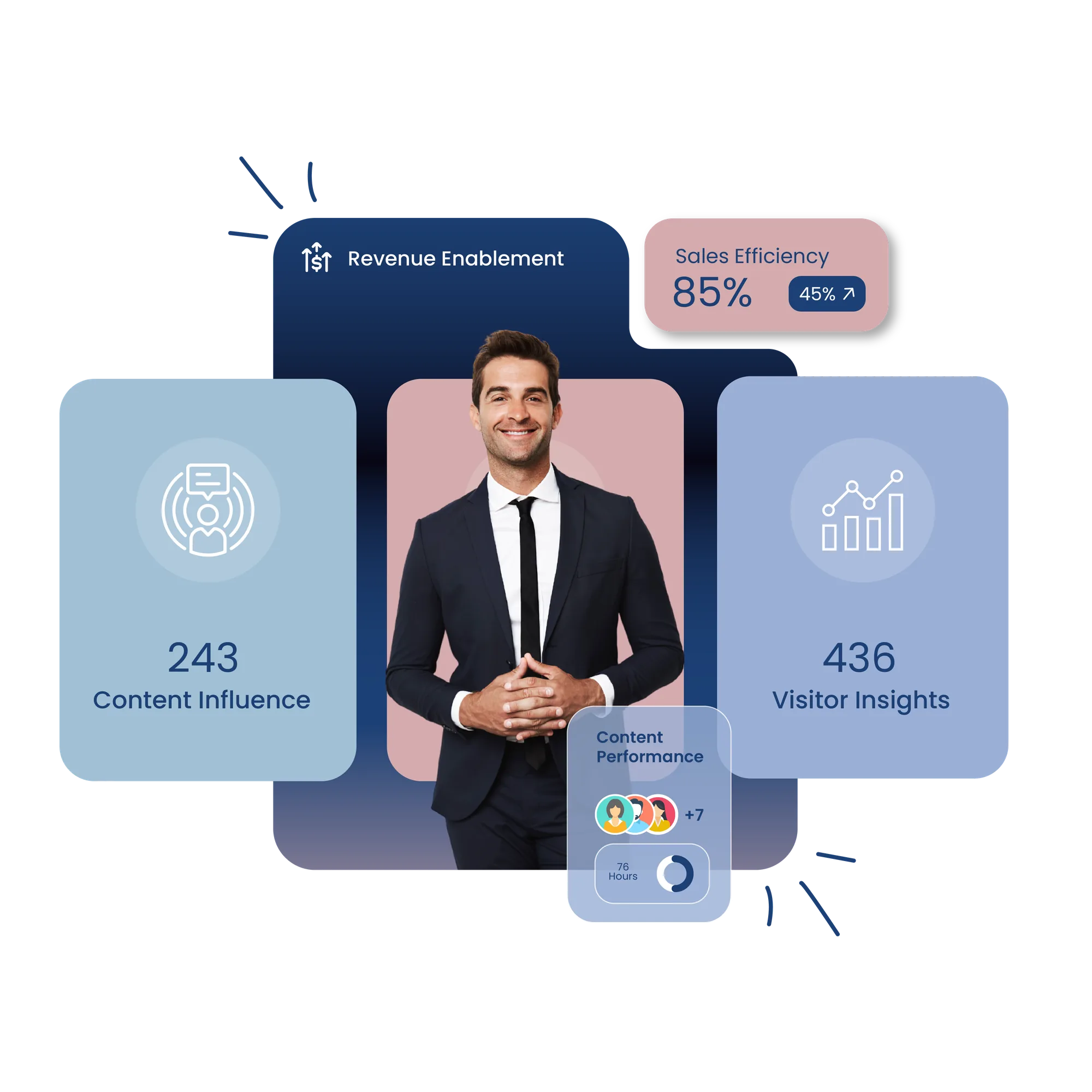
Revenue enablement visual

What to weigh before choosing GetAccept

Revspire is a GetAccept alternative for B2B teams that want sales rooms alongside governed content, AI playbooks and AI role-play, with unlimited user licenses. GetAccept suits teams that want signing, quoting and contract management in one per-user subscription with published prices.

What does GetAccept do beyond the room?

GetAccept describes an AI Digital Sales Room with proposals and quotes, electronic signatures, contract management, mutual action plans, sales content management and CPQ around it.

What the sources say

  • GetAccept says its signatures are eIDAS-aligned, including advanced (AdES) and qualified (QES) signatures (GetAccept).
  • Its homepage says it is "Trusted by 5,000+ revenue teams"; we found no analyst evaluation on its site.
See Revspire sales rooms in a demo
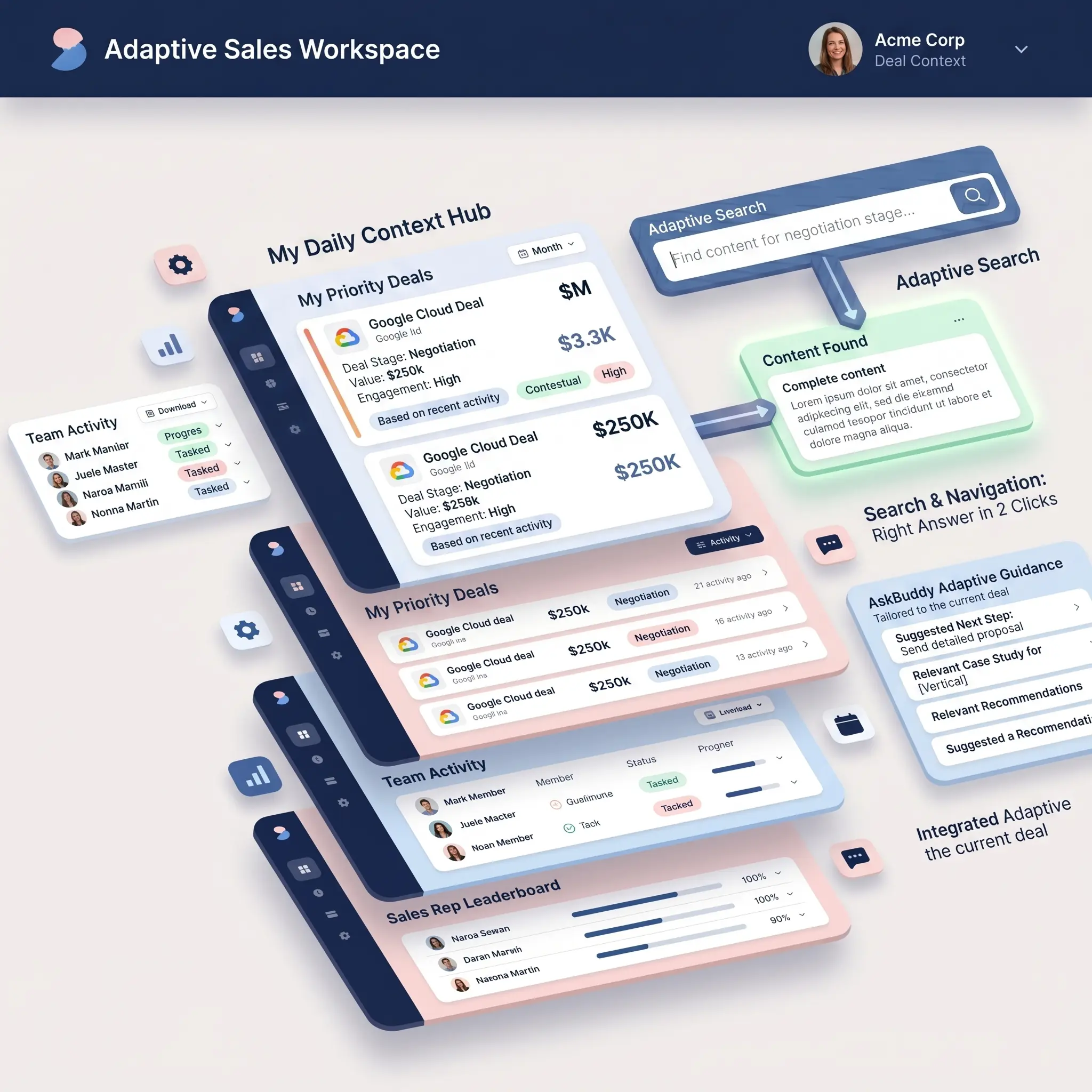
Illustration of stacked sales enablement dashboards

How much does GetAccept cost?

GetAccept publishes per-user prices on its pricing page: eSign at 25 $ and Professional at 49 $ per user a month (five-user minimum on Professional); Enterprise is quoted.

What the sources say

  • Every plan covers a 12-month agreement; Professional and Enterprise are paid annually (GetAccept pricing guide).
  • Revspire prices by module with unlimited user licenses; its average customer pays about $25,000 USD a year (pricing).
Get Revspire pricing for your team
Illustration of a content hub with search and navigation

Who is GetAccept best for?

GetAccept fits teams that want the room, the proposal and the signature in one per-user tool. Revspire is built for B2B teams with multi-stakeholder deals, typically from about 300 employees.

What the sources say

  • Room features, mutual action plans and GetAccept AI start on Professional, not on the eSign plan.
  • GetAccept says room engagement syncs back to the CRM in real time, naming Salesforce and HubSpot (GetAccept).
See Revspire coaching and deal rooms
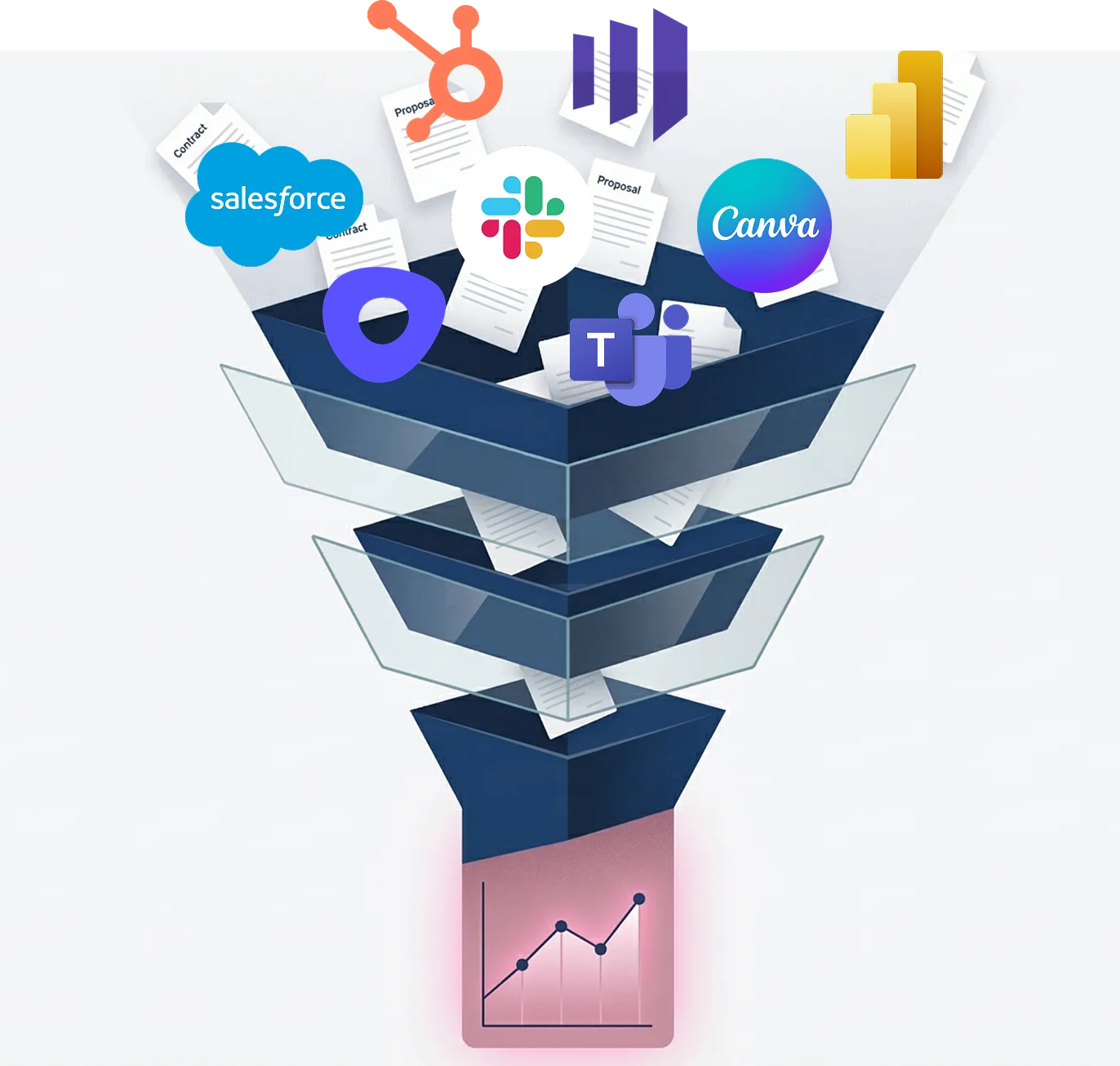
Illustration of a connected sales tech stack

Switching from GetAccept: what to plan for

If signing is the reason you bought GetAccept, decide first how you will sign after switching. Then check these:

Map signing, quoting and contract storage needs first
Export signed documents and contract renewal dates
Check notice period on the 12-month agreement
Rebuild room templates; pilot one team

See the GetAccept pricing guide, Aligned vs GetAccept and Digital Sales Rooms, or request a demo.

Revspire vs. GetAcceptwhat's the difference?

What GetAccept describes, set against Revspire's four modules.

Revspire

Governed library with contextual search, versioning, CRM recommendations and content analytics.

GetAccept

Content library and templates on every plan; sales content management listed as a product.

Revspire

AI-drafted battlecards, objection plays, win/loss analysis and role messaging, routed for approval.

GetAccept

No playbook or battlecard module described; Business Case Builder drafts business cases and summaries.

Revspire

AI video role-play, deal-specific objection practice, instant AI scoring and readiness tracking.

GetAccept

Not described. No role-play or coaching product among its listed modules.

Revspire

Branded rooms with mutual action plans, stakeholder maps, content recommendations and engagement analytics.

GetAccept

Rooms with video intro, live chat, mutual action plans, stakeholder tracking and in-room signing.

AI agents and assistants

Revspire

MCP lets ChatGPT, Claude and n8n use Revspire search, content, deal rooms, playbooks and analytics.

GetAccept

GetAccept AI: Content Editor, Business Case Builder, Meetings Insights; newsroom lists an MCP server.

Integrations

Revspire

Salesforce, HubSpot, Dynamics 365, Zoho, Pipedrive, Slack, Teams, Outlook, Gmail, Gong, Okta and SAML SSO.

GetAccept

Salesforce, HubSpot, MS Dynamics, Pipedrive, SuperOffice, Gong, Slack, Okta and 500+ connectors via automations.

Revspire

Per module, unlimited users; average customer about $25,000 USD a year; quoted by sales.

GetAccept

Per user: eSign 25 $, Professional 49 $ a month (five-user minimum); Enterprise quoted.

GetAccept column paraphrases getaccept.com, checked 2026-10-21. Rows show what vendors describe, not how well it works.

Frequently asked questions about GetAccept

How much does GetAccept cost?

GetAccept's pricing page shows eSign at "25 $" per user/month and Professional at "49 $" per user/month with a "minimum 5 users"; Enterprise is "Contact us". Professional and Enterprise are paid annually, eSign monthly or annually, and all three plans cover a 12-month agreement period. At list price, the smallest Professional subscription is 2,940 $ a year. Several features, including CPQ, unlimited AI content and premium CRM integrations, are add-ons with no published price; see the GetAccept pricing guide.

Does GetAccept include e-signature?

Yes. Every GetAccept plan lists unlimited electronic signatures, starting with the eSign plan at "25 $" per user/month, and GetAccept says its signatures are eIDAS-aligned, including advanced (AdES) and qualified (QES) signatures. The AATL (Adobe Trusted) certificate is listed as an add-on. If signing inside the room is a requirement, confirm how any alternative, Revspire included, handles it before you switch.

Which GetAccept plan includes the digital sales room?

Professional. Its plan card adds mutual action plans, full in-app editing, meetings, teams, eID verification, a pricing table and a product library of up to three products, advanced stakeholder engagement and CRM integrations, together with GetAccept AI. The eSign plan does not list them. Single sign-on, API read access and CPQ sit on Enterprise.

When should you choose GetAccept instead of Revspire?

Stay with or choose GetAccept if:

  • You want e-signature in the same subscription as the room: every plan lists unlimited electronic signatures, and GetAccept says they are eIDAS-aligned, including AdES and QES.
  • You quote from the room: Professional lists a pricing table and a product library of up to three products, and Enterprise adds CPQ.
  • You need contract management after the deal, with stored signed documents and automated renewal reminders, from the entry eSign plan.
  • You want published per-user prices for a small team: Professional starts at five users, 2,940 $ a year at list.

Who should choose Revspire over GetAccept?

B2B teams with multi-stakeholder deals that want the room connected to governed content, AI playbooks and AI role-play coaching, with unlimited user licenses. Teams whose main need is signing documents are better served by GetAccept. Choose Revspire if:

  • You want battlecards, objection plays and win/loss analysis in a governed module alongside the room.
  • You want reps to practise with AI video role-play and instant AI scoring, not only share rooms.
  • You want buying-committee stakeholder mapping and content recommendations by deal stage and role inside the room.
  • You want unlimited user licenses rather than per-user pricing. Revspire prices by module, and its average customer pays about $25,000 USD a year.

What are the main GetAccept competitors and alternatives?

The tools most often weighed against GetAccept are Dock, Aligned, Trumpet, Highspot and Seismic, alongside Revspire. Which of them fits depends on whether you need an enterprise suite, content in the flow of work, a digital sales room, or training and AI role-play. Each one has its own comparison and a dated pricing guide on this site.

  • Dock: Collaboration layer for revenue teams: sales rooms, order forms, a CMS; published platform fees.
  • Aligned: Buyer workspaces with mutual action plans and stakeholder maps; published per-seat prices.
  • Trumpet: Digital sales rooms ("Pods") with a free plan and published per-user prices.
  • Highspot: Enterprise enablement suite; a Seismic product brand since the merger completed in August 2026.
  • Seismic: Enterprise enablement leader with financial-services depth and 150+ integrations; now also owns Highspot.

GetAccept pricing and head-to-head comparisons

Neutral pricing guides and vendor-to-vendor comparisons in our /compare section, each with dated sources.

How are these pages written? Revspire writes them, and we sell a competing product. Competitor details are paraphrased from each vendor's own pages and the dated third-party sources below, checked on 2026-10-26. Figures belong to the source that published them.

Sources (11)
  1. GetAccept homepage (checked 2026-10-21): Positions an "AI Digital Sales Room"; products include proposals and quotes, electronic signatures, tracking and analytics, contract management, mutual action plans, sales engagement, sales content management and CPQ. Says it is "Trusted by 5,000+ revenue teams" and that its signatures are eIDAS-aligned, including AdES and QES. No analyst evaluation found.
  2. GetAccept pricing page (checked 2026-10-21): eSign "25 $" and Professional "49 $" per user/month, Professional "minimum 5 users", Enterprise "Contact us"; all plans cover a 12-month agreement. eSign: unlimited electronic signatures, contract management with renewal reminders, templates and content library. Professional adds GetAccept AI, mutual action plans, pricing table and product library (up to 3 products) and CRM integrations. Enterprise adds CPQ, SSO and API read access. Add-ons include unlimited AI content, CPQ, premium CRM integrations and the AATL certificate.
  3. GetAccept digital sales room (checked 2026-10-21): Single shareable link, 30-second video intro, live chat, mutual action plan with dated tasks, stakeholder view tracking, eIDAS-compliant signing in the room; engagement synced to the CRM in real time, naming Salesforce and HubSpot.
  4. GetAccept AI (checked 2026-10-21): Content Editor, Business Case Builder, Meetings Insights from imported transcripts, saved custom prompts.
  5. GetAccept integrations (checked 2026-10-21): "Over 500 available connectors"; CRM: Salesforce, HubSpot, MS Dynamics, Pipedrive, SuperOffice, Gong; also Slack, Okta and OneLogin.
  6. GetAccept newsroom (checked 2026-10-21): Lists a GetAccept MCP server; the page shows no dates.
  7. Revspire Content Hub: Governed repository with tag-based and contextual search, version and duplicate management, CRM content recommendations, and content-gap, usage and performance analytics.
  8. Revspire AI Playbook Engine: AI-drafted battlecards, objection plays, win/loss analysis and role-specific messaging, routed for approval and published across seller workflows.
  9. Revspire AI Sales Training & Coaching: AI video role-play of buyer conversations, deal-specific objection practice, instant AI scoring and team readiness tracking.
  10. Revspire Digital Sales Rooms: Branded rooms with mutual action plans, stakeholder mapping, stage- and role-based content recommendations and real-time buyer engagement analytics.
  11. Revspire pricing: Priced by module, not by seat: each module has a fixed price quoted by sales, every plan includes unlimited user licenses, and the average customer pays about $25,000 USD a year.
A walkthrough built around you

Accelerate Revenue Velocity.

See how Revspire brings content, coaching, buyer collaboration, and deal execution into one focused revenue workspace.

  • Know what assets drive revenue
  • See why deal-room deals win 35% vs 28%.
  • Cut onboarding time in half
SOC 2 Type II certified

Request Demo

Get a tailored walkthrough of the platform.

I'm interested in: