To provide the best experiences, we use technologies like cookies to store and/or access device information. Consenting to these technologies will allow us to process data such as browsing behavior or unique IDs on this site. Not consenting or withdrawing consent, may adversely affect certain features and functions.Privacy Policy

Dock alternatives and competitors in 2026

Dock gives buyers a page. Revspire gives sellers an edge.

Revspire gives revenue teams stronger deal execution, better field readiness, and the flexibility to scale content and workflows without adding operational drag.

Updated

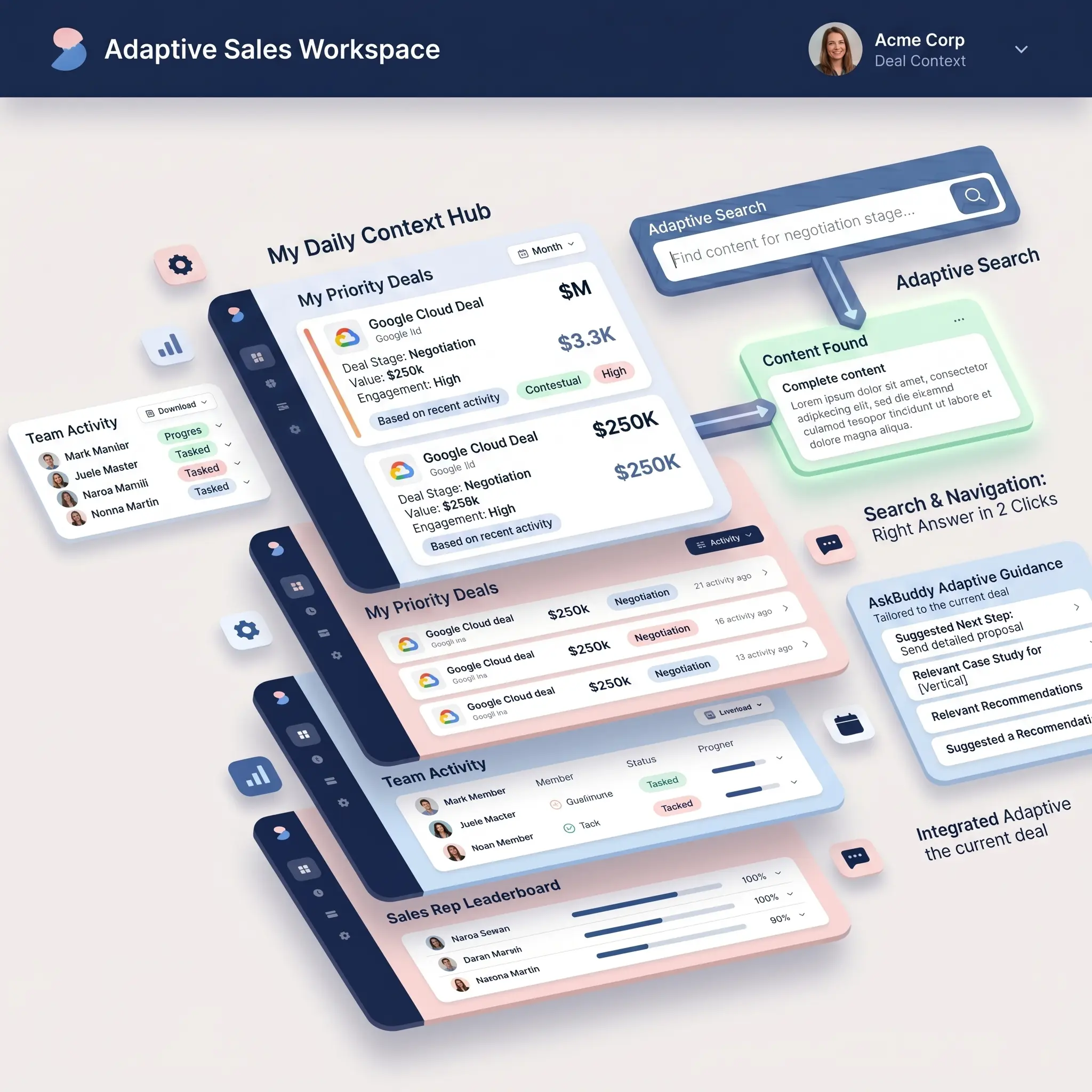
Revenue enablement visual

Where Dock users still feel friction

Setup friction adds hidden cost before your team sees value

Buyer-facing room strategies only work when teams can launch quickly. Dock reviewers frequently mention the amount of manual setup required to get the most out of the platform.

Where Dock falls short (G2 reviews)

  • Users report significant manual setup to unlock full platform value.
  • Teams still need to invest extra effort guiding buyers through usage.
See how Revspire speeds up launch and adoption
Workflow and reliability friction visualization

Design flexibility matters when every room must feel on-brand

Teams want polished, differentiated buyer experiences without design constraints. Dock reviews consistently ask for deeper branding controls, more layout tooling, and integration options that support design-led workflows.

Where Dock falls short (G2 reviews)

  • Users request stronger branding controls, custom fonts, and richer layout options.
  • Teams also ask for broader integrations such as Figma-style design workflows.
See how Revspire gives teams deeper design control
Search clarity and intuitive navigation visualization

Buyer adoption should be intuitive, not another enablement project

A platform can be strong technically and still underperform if buyers need extra coaching to use it. Dock reviewers mention client unfamiliarity and task-completion friction that can delay implementations.

Where Dock falls short (G2 reviews)

  • Many clients are unfamiliar with Dock, so teams spend time guiding usage manually.
  • Task-completion friction has caused implementation delays for some teams.
See how Revspire improves buyer-side adoption
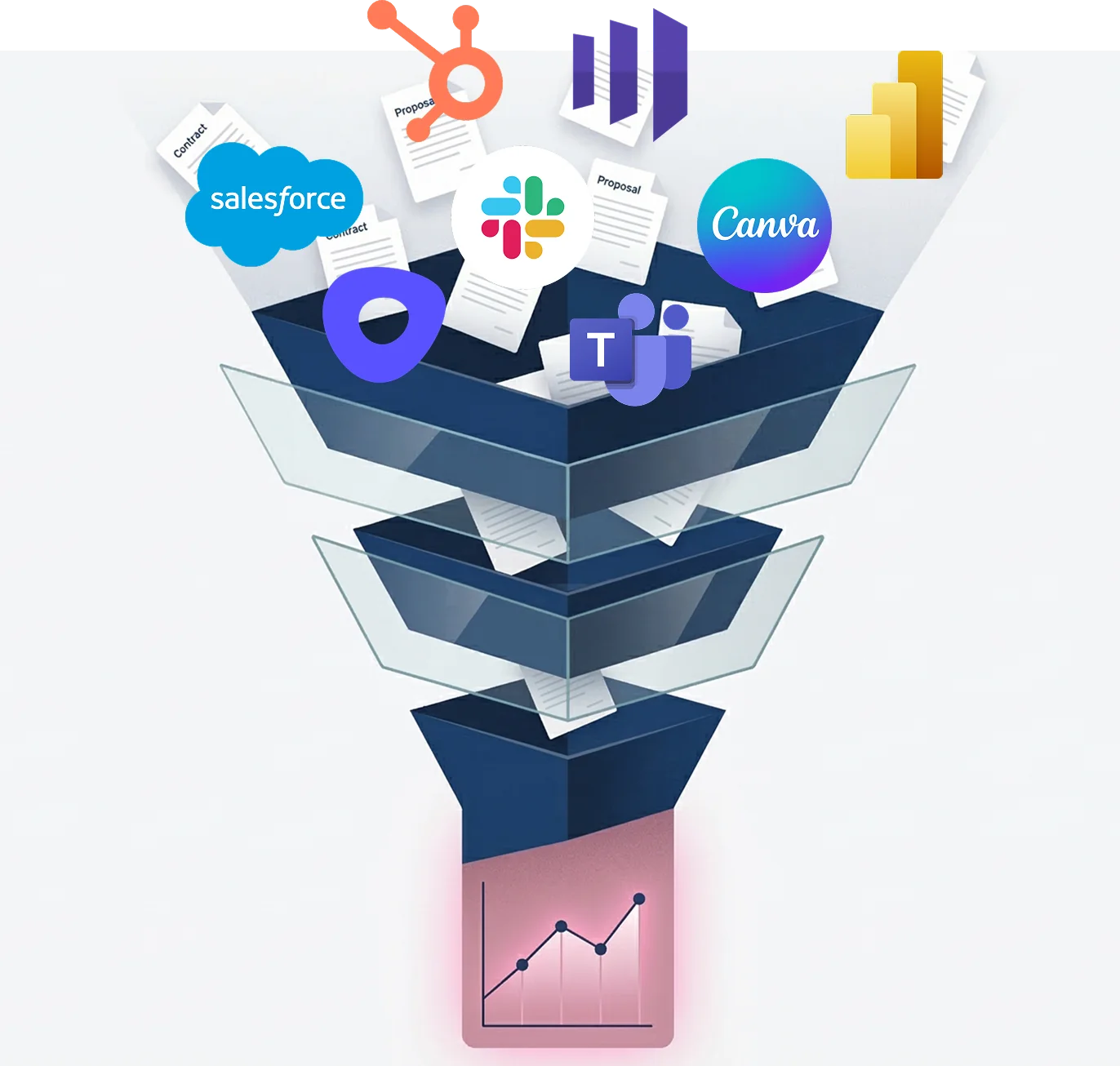
Connected tech stack integration visualization

The real cost isn't just the contract. It's the months spent waiting for ROI.

Tools like Dock position themselves as modern solutions, but as you scale, they often introduce the same friction as legacy enterprise platforms. Right now, your reps are likely hitting these constraints:

4-6 month complex implementations
Heavy dedicated admin requirements
Ongoing professional services fees
Training programs just to use the tool

Revspire vs. Dockwhat's the difference?

Both platforms support enablement fundamentals, but Revspire is built for teams that need deeper deal execution, better field readiness, and faster time-to-value across the full revenue motion.

Time to Value

Revspire

Teams launch fast with less manual setup overhead.

Dock

Users report significant manual setup to unlock full value.

Branding Control

Revspire

Branding controls support fonts, layout consistency, and polished rooms.

Dock

Teams request deeper branding options and custom font support.

Design Flexibility

Revspire

Fine-grained layout options help each room feel tailored.

Dock

Users ask for more design controls like column-width customization.

Integration Ecosystem

Revspire

Open integrations support design and GTM workflows end-to-end.

Dock

Users request additional partners such as Figma.

Buyer Familiarity

Revspire

Buyer-facing flows are intuitive even for first-time users.

Dock

Some clients need hands-on guidance because the platform is unfamiliar.

Task Completion

Revspire

Action workflows are clear, reducing implementation delays.

Dock

Task-completion friction has caused rollout delays for some teams.

Operational Scale

Revspire

Admin workflows stay manageable as account volume grows.

Dock

Manual configuration can add overhead at scale.

Template Differentiation

Revspire

Teams can create distinct room templates for different motions.

Dock

Users ask for more template variation to avoid repetitive layouts.

Frequently asked questions about Dock

How much does Dock cost?

Dock publishes its prices: a Free plan, Standard at $350 per month with 5 users, Premium at $1,000 per month billed annually with 10 users, and custom Enterprise pricing for 25+ users. Extra seats on Standard and Premium are $50 per month.

What is Dock used for?

Dock describes itself as the collaboration layer for revenue teams. Its plans combine buyer workspaces, a content library, playbooks, courses and order forms, with Salesforce and HubSpot from the Standard plan.

When should you choose Dock instead of Revspire?

Dock suits smaller teams that want to start free and self-serve, or that want order forms in the same workspace as the buyer room. Revspire suits teams that also need AI role-play coaching, battlecards and win/loss analysis connected to their rooms.

What are the main Dock competitors and alternatives?

The tools most often weighed against Dock are Aligned, Trumpet, GetAccept, Highspot and Seismic, alongside Revspire. Which of them fits depends on whether you need an enterprise suite, content in the flow of work, a digital sales room, or training and AI role-play. Each one has its own comparison and a dated pricing guide on this site.

  • Aligned: Buyer workspaces with mutual action plans and stakeholder maps; published per-seat prices.
  • Trumpet: Digital sales rooms ("Pods") with a free plan and published per-user prices.
  • GetAccept: Digital sales rooms with e-signature, proposals, contract management and CPQ in one subscription.
  • Highspot: Enterprise enablement suite; a Seismic product brand since the merger completed in August 2026.
  • Seismic: Enterprise enablement leader with financial-services depth and 150+ integrations; now also owns Highspot.

Dock pricing and head-to-head comparisons

Neutral pricing guides and vendor-to-vendor comparisons in our /compare section, each with dated sources.

How are these pages written? Revspire writes them, and we sell a competing product. Competitor details are paraphrased from each vendor's own pages and the dated third-party sources below, checked on 2026-10-15. Figures belong to the source that published them.

Sources (2)
  1. Dock pricing page
  2. Revspire pricing
A walkthrough built around you

Accelerate Revenue Velocity.

See how Revspire brings content, coaching, buyer collaboration, and deal execution into one focused revenue workspace.

  • Know what assets drive revenue
  • See why deal-room deals win 35% vs 28%.
  • Cut onboarding time in half
SOC 2 Type II certified

Request Demo

Get a tailored walkthrough of the platform.

I'm interested in: